> For the complete documentation index, see [llms.txt](https://computationaldocs.zeblok.com/info/llms.txt). Markdown versions of documentation pages are available by appending `.md` to page URLs; this page is available as [Markdown](https://computationaldocs.zeblok.com/info/1.3.7/procedure/namespaces.md).
# NameSpaces
Resource Segregated Spaces
As the name suggests, these are segregated spaces for the organization’s activities, where the superadmin or the organization admin decides the members of the namespace under which those users can spawn an AI-WorkStation, MicroService, or an AI-API.

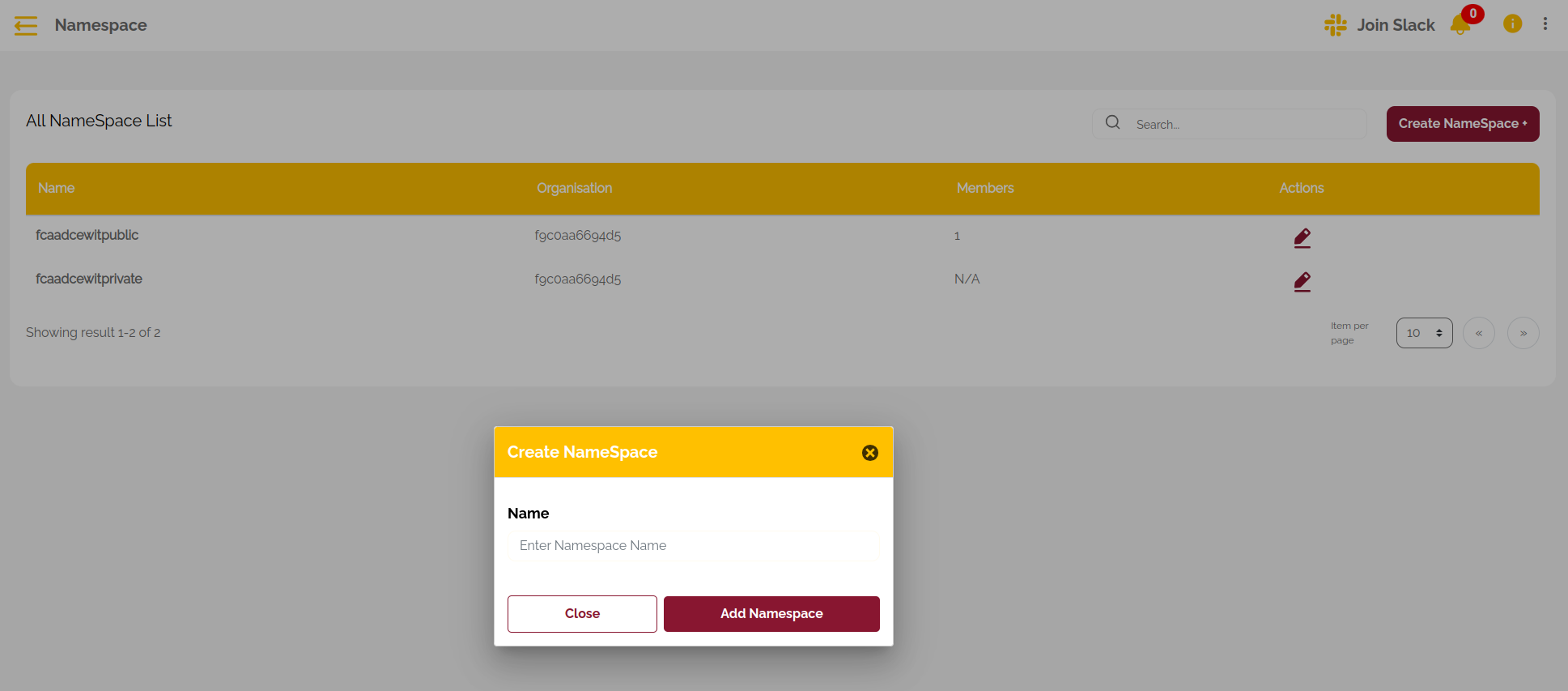
**Create NameSpace**
Fig.2 : Create NameSpace
Two new namespaces with suffixes **private** and **public** are created for every single organization; other than that, the user with edit and update access to the namespace can create more namespaces by clicking on the "Create Namespace" button
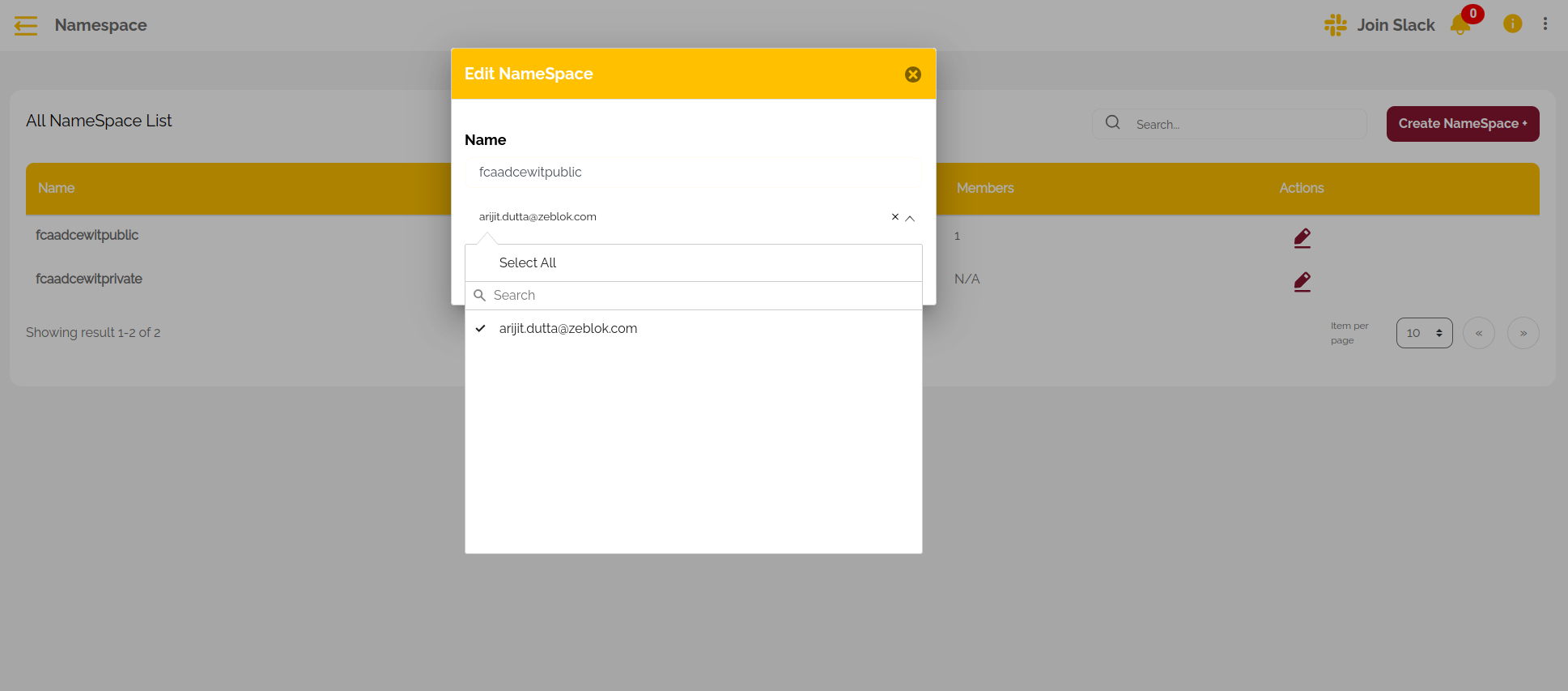
**Add User to NameSpaces**
Fig.3 : Edit NameSpace
Additionally, users must be added by a superAdmin or an OrgAdmin for them to be able to spawn their resources by clicking the edit button next to any namespace and selecting the users.